 AlphaCutAlphaCut

Just provide a YouTube link, video file, or topic, and AI will create thumbnails for you.
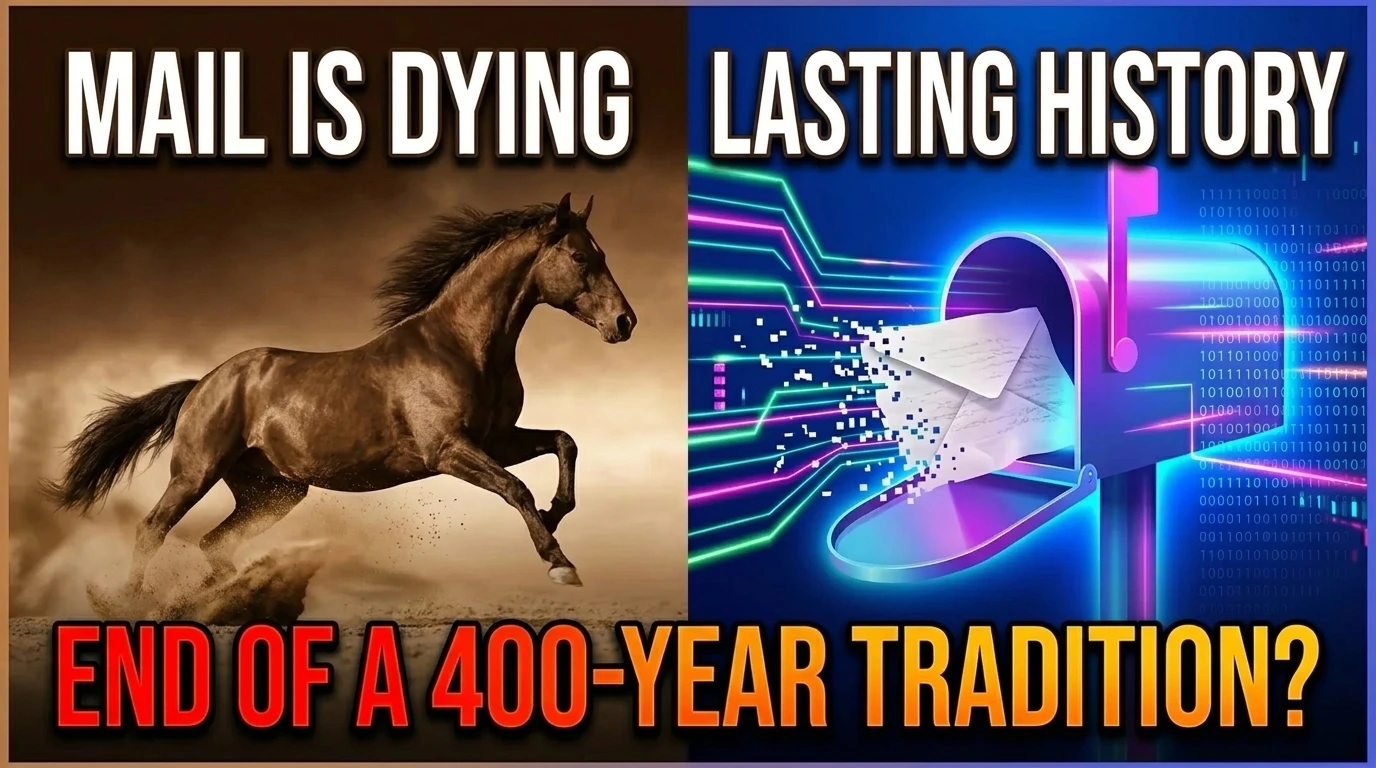
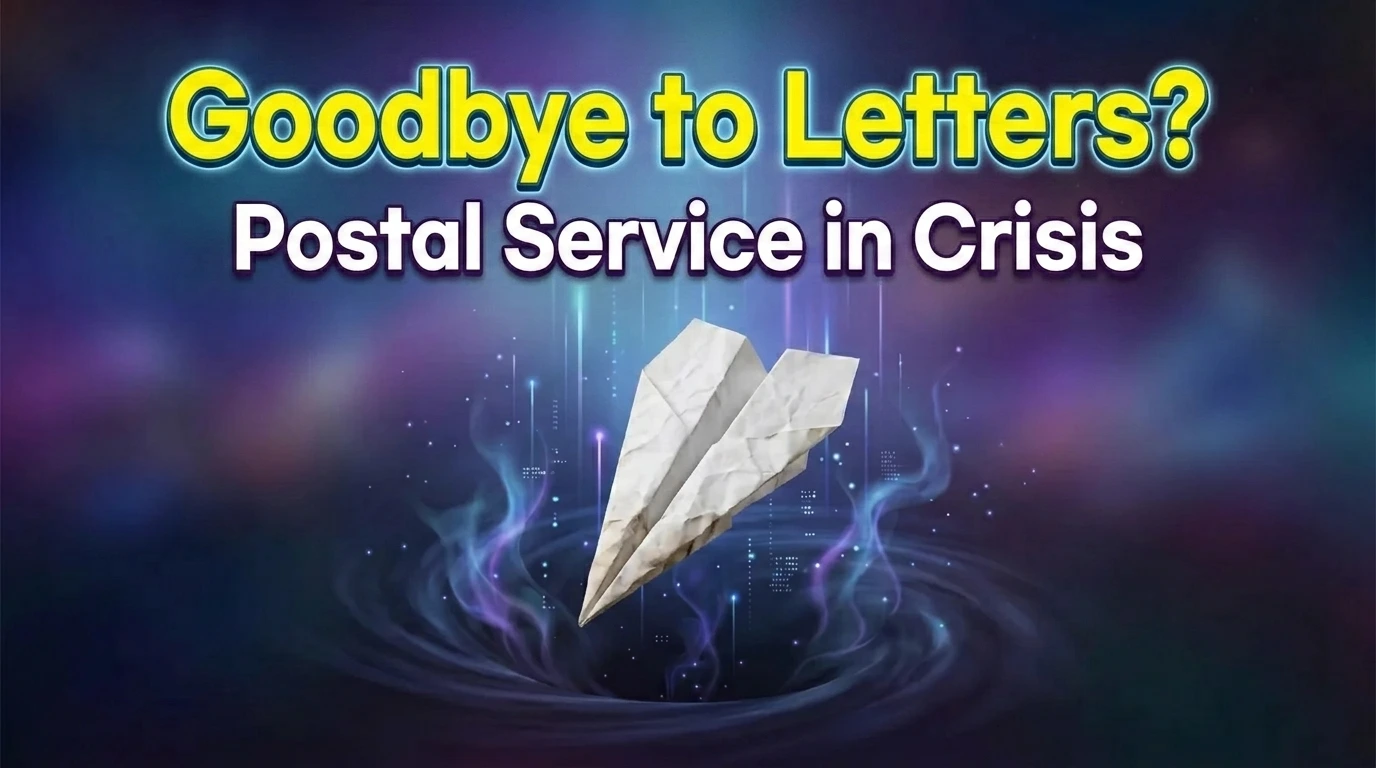

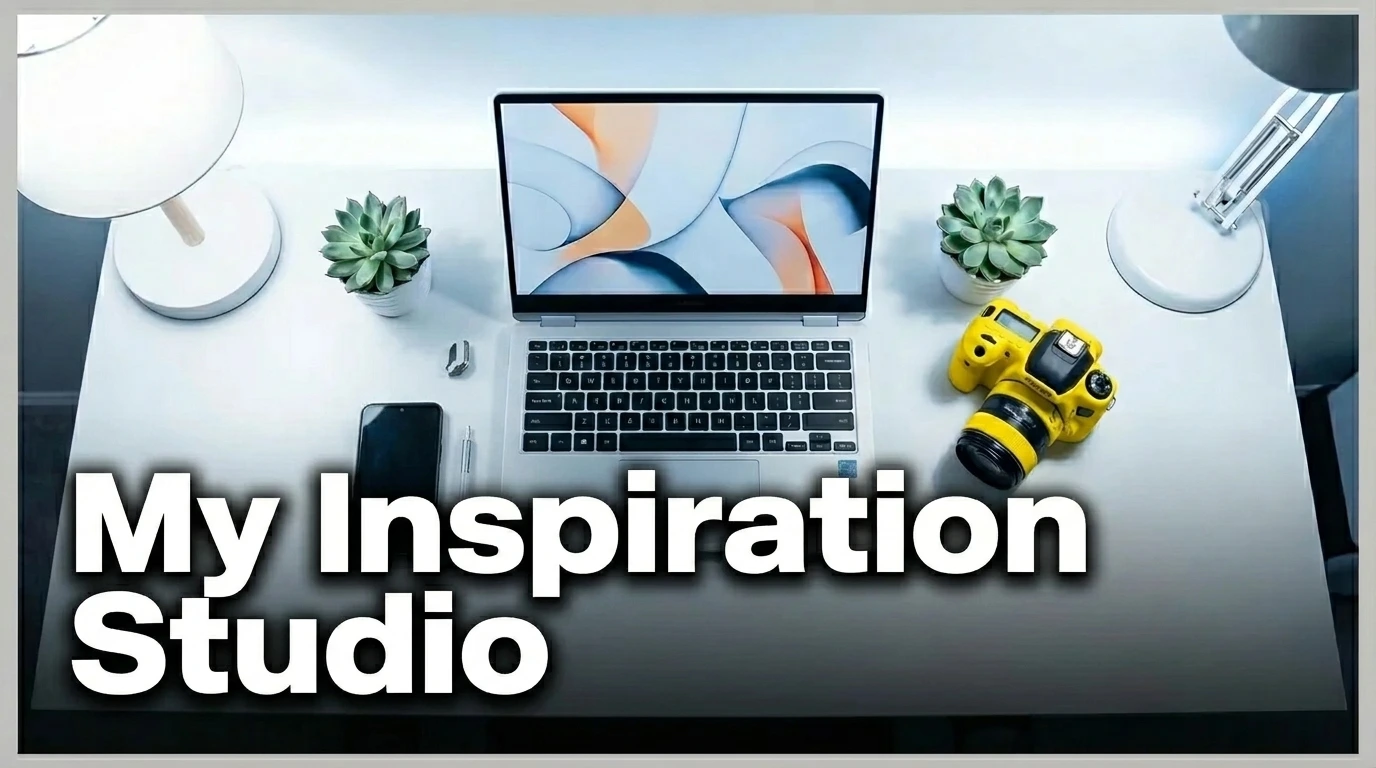


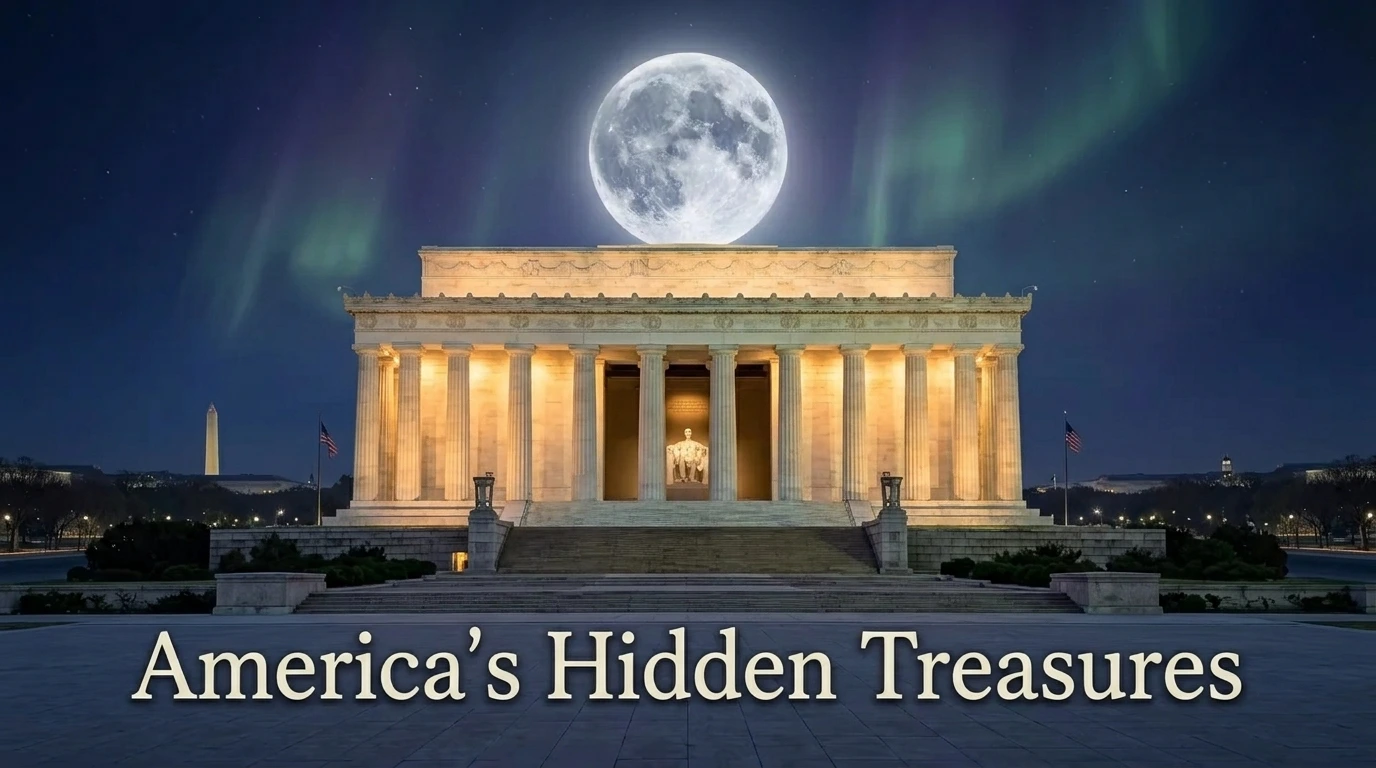

Paste a YouTube video URL, and AI will analyze the content to create suitable thumbnails.
Upload your own video file, and AI will understand the content and generate thumbnails.
Enter your video's topic or title as text, and AI will create click-worthy thumbnails.
Provide your topic using a YouTube link, video file, or text – whichever is most convenient.
In about 2 minutes, AI will generate high-quality thumbnails with various concepts.
Download your favorite thumbnails and use YouTube A/B testing to find the most effective one.
Just provide a YouTube link, video file, or text, and get ready-to-upload thumbnails. No design experience needed.
Quickly create multiple thumbnail concepts for a single video. Combine with YouTube A/B testing to data-drivenly find designs with high click-through rates.
Save your preferred styles to create thumbnails with a consistent look in the future. Great for maintaining your channel's tone.
Register frequently appearing people as personas to create thumbnails featuring similar characters every time.
Create your first 3 for free. Use A/B testing to find the most effective thumbnail.
There are three methods: YouTube link, video file upload, and topic text input. AI will understand the content and create optimal thumbnails regardless of the method.
It varies depending on the input method, but usually, multiple thumbnail concepts are ready in about 2 minutes.
After creating various thumbnails for a single video, you can use YouTube's thumbnail testing feature to find the one with the highest click-through rate.
It's a feature that allows you to register photos of frequently appearing people, then create thumbnails where that person is consistently represented.
The first 3 thumbnails can be created for free. After that, credits are required.